
Two panels, one keyboard
Browse two locations side by side and copy, move or compare between them. Every action has a shortcut, and ? lists them. Read more
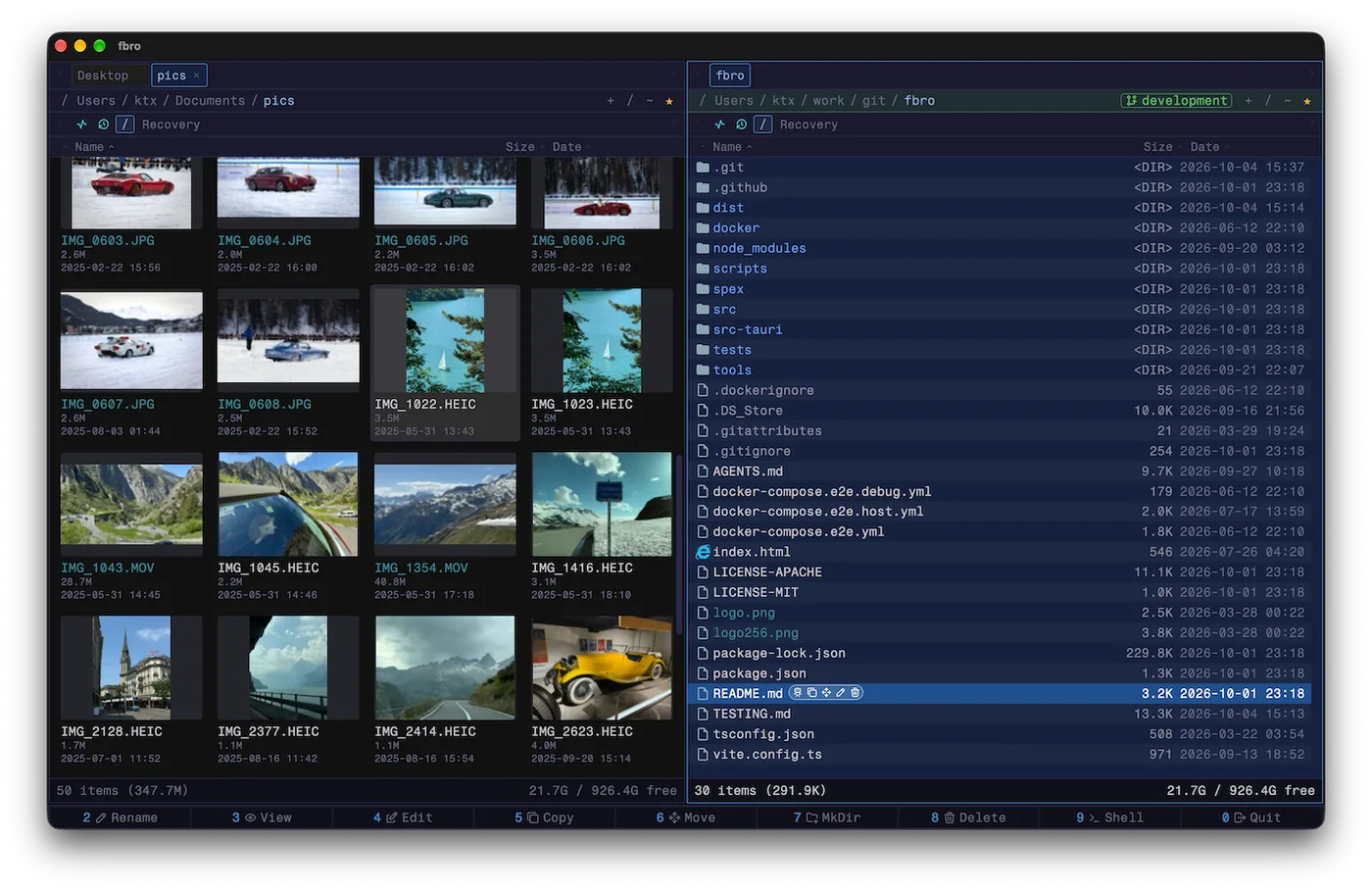
Two panels, one keyboard
Browse two locations side by side and copy, move or compare between them. Every action has a shortcut, and ? lists them. Read more
Git, terminal and editor
See git status in the listing, open a terminal tab, edit text in an editor tab, and keep scratch notes. Read more
bros
Pass files to a bro (F1 (macOS: 1)) to pack, extract, hash, find duplicates, or sync with another machine. Read more
Remote fbro
Pair two fbro instances and browse or transfer files between them over SFTP. Read more
Jobs you can interrupt
Copy, move and delete run as background jobs. You can pause, skip or cancel them, and fbro asks what to do about each conflict. Read more
Archives and search as folders
Open zip and 7z archives as if they were folders. Search results open in a panel and work like any other listing. Read more